
DevOps Foundations – Bootcamp
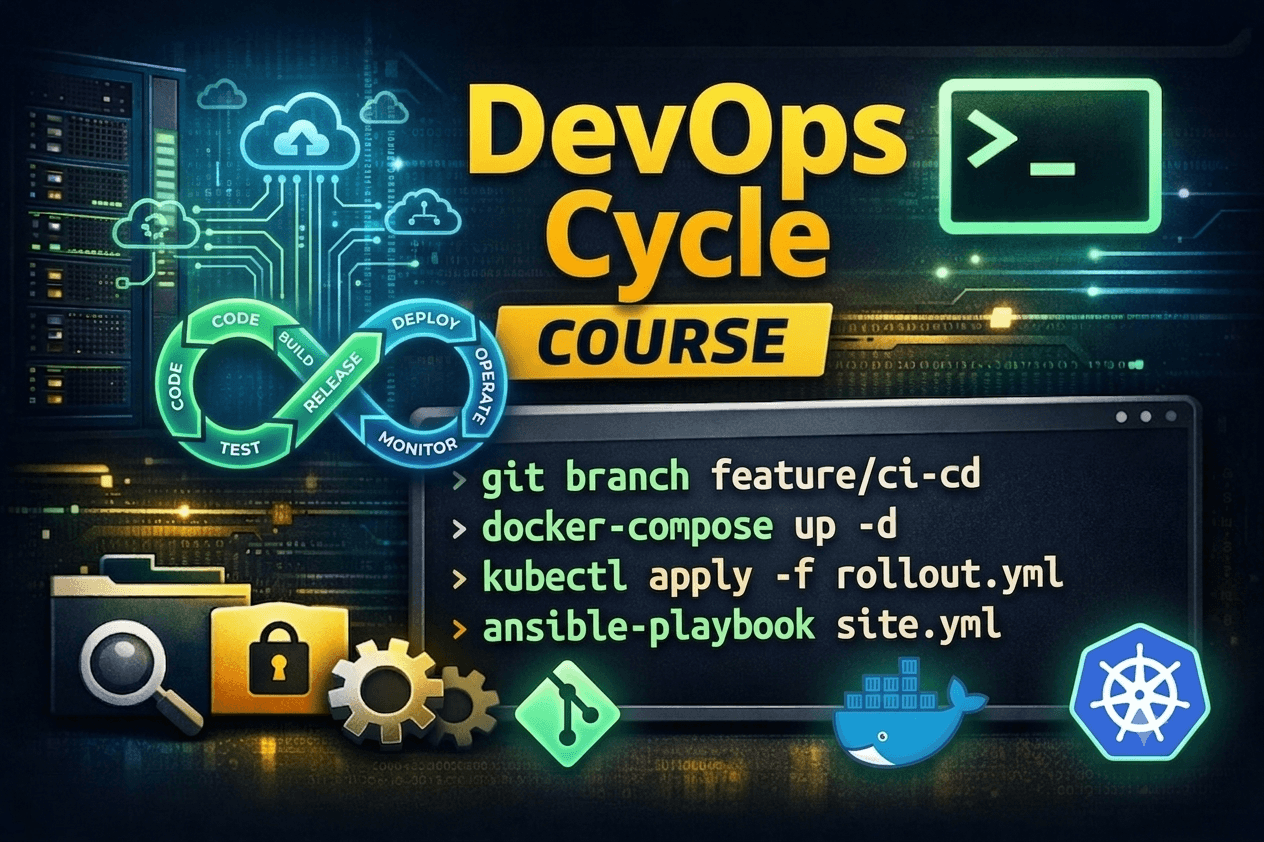
About Course
🚀 The DigiSpidey DevOps Engineering Bootcamp
Pre-Requisite – Linux Terminal Basics & Navigation (Available for free)
📦 MODULE 1: The OS & Automation Core (Weeks 1 & 2)
Perfect for IT professionals and developers wanting to master Linux systems and bash automation.
Week 1: Advanced Linux & Shell Scripting
Transitioning from manual commands to Bash scripting.
Variables, loops, and conditional logic (if/else).
Text processing tools (grep, awk, sed) for log analysis.
Mini-Project: Write a script that parses a web server log and blocks malicious IP addresses.
Week 2: Advanced Server Administration
User management, PAM, and advanced SSH key cryptography.
Task scheduling with cron.
Advanced networking, firewalls (ufw/iptables), and DNS routing.
Module 1 Capstone: Automate a secure, nightly database backup to a remote server.
📦 MODULE 2: Code & Containerization (Weeks 3 & 4)
Designed for engineers looking to modernize their application delivery and eliminate “it works on my machine” errors.
Week 3: Version Control & Collaboration (Git)
The Git lifecycle: add, commit, push, pull.
Branching strategies, merging, and resolving merge conflicts.
Collaborative workflows using GitHub/GitLab.
Mini-Project: Fork a broken application repository, create a branch, fix the code, and submit a Pull Request.
Week 4: Containerization (Docker)
The underlying technology of containers and how they solve dependency hell.
Writing Dockerfiles to containerize applications.
Managing images, volumes, and networks.
Multi-container environments using Docker Compose.
Module 2 Capstone: Containerize a Node.js/Python application with a connected Redis database.
📦 MODULE 3: The Automated Cloud (Weeks 5 & 6)
For those ready to build professional delivery pipelines and provision cloud infrastructure with code.
Week 5: Continuous Integration & Deployment (CI/CD)
Introduction to the CI/CD pipeline (using GitHub Actions, Jenkins, or GitLab CI).
Automated testing and linting upon code commit.
Building and pushing Docker images automatically to a registry.
Mini-Project: Build a pipeline that automatically tests and builds a web app every time code is pushed to the main branch.
Week 6: Infrastructure as Code (Terraform & AWS)
Introduction to Cloud Computing (AWS core services: EC2, VPC, S3).
The concept of Immutable Infrastructure.
Writing Terraform configurations to provision cloud resources.
Module 3 Capstone: Use Terraform to spin up a secure AWS network (VPC) and a live EC2 web server from scratch.
📦 MODULE 4: Scale & Observability (Weeks 7 & 8)
The advanced tier for deploying highly available, self-healing infrastructure at global scale.
Week 7: Container Orchestration (Kubernetes)
Why Docker isn’t enough for global scale.
The Kubernetes architecture (Pods, Deployments, Services).
Scaling applications up and down, and self-healing infrastructure.
Mini-Project: Deploy a highly available, load-balanced application into a local Kubernetes cluster (Minikube/K3s).
Week 8: Observability & The Final Capstone
Monitoring infrastructure using Prometheus.
Visualizing traffic and server health with Grafana dashboards.
Module 4 Capstone: Tie all 8 weeks together. Write infrastructure code (Terraform) to build a server, set up a CI/CD pipeline to deploy a containerized application into a Kubernetes cluster, and set up automated monitoring to ensure it stays online.